Notes, memories & updates
Personal Feed
A public stream of ideas, discoveries, and things I am building.
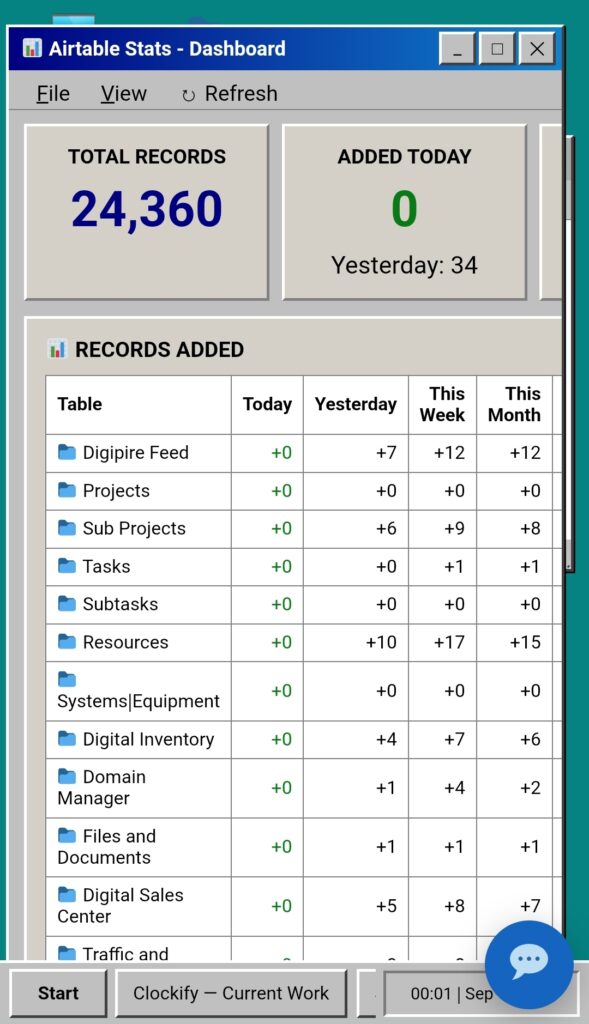
Today I started building a new Airtable Stats dashboard for my Windows 95-style WordPress back office.
The goal was to create one place where I could see how quickly my Airtable databases are growing and how much activity is happening in each table. I wanted to track how many records were added today, yesterday, this week, and this month, along with the cumulative total for each table.
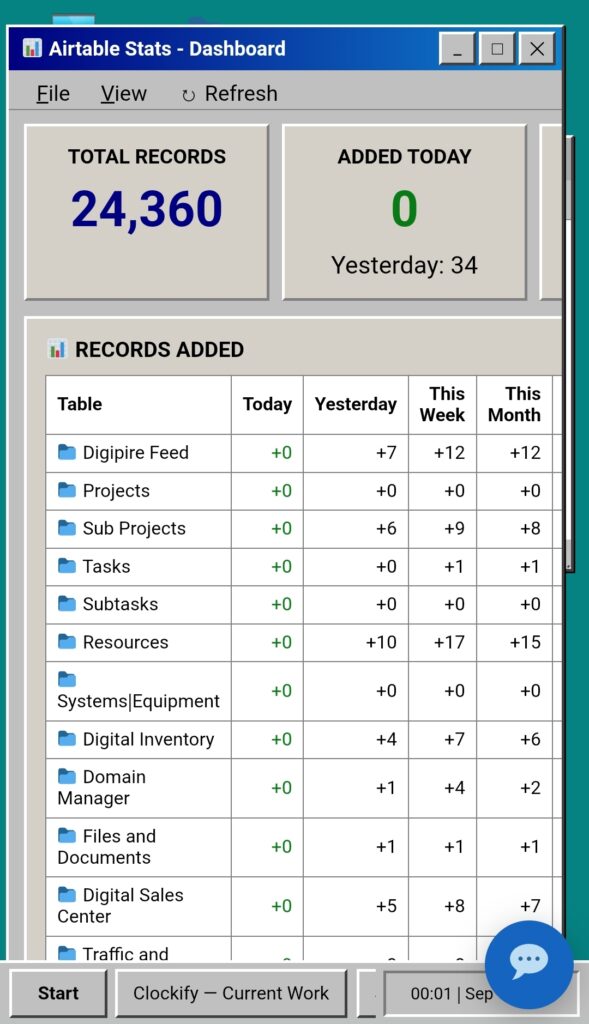
The idea expanded into a full database activity dashboard with headline totals, per-table statistics, cumulative growth charts, daily activity charts, busiest day, average daily additions, fastest-growing table, and manual refresh controls.
I also created a visual mockup of the dashboard first, which helped establish exactly how I wanted it to look inside the Windows 95 environment. I really liked the result and decided to move forward with development.
I initially uploaded the wrong version of the Windows 95 theme, so I stopped before making changes. Once I found and uploaded the latest theme, development continued using the correct version.
The updated theme became version 1.5.5 and now includes an Airtable Stats desktop icon, a Windows 95-style stats window, mobile-friendly scrolling, caching, and a new Appearance → Airtable Stats settings area where I can choose which Airtable tables to monitor.
The system can use Airtable’s record creation timestamps to determine when records were added, which means I don’t necessarily have to manually add a Created Time field to every table.
I also decided that WordPress should maintain historical daily snapshots locally. This will reduce unnecessary Airtable API calls while allowing the dashboard to build a long-term history of database growth.
What started as a simple way to count new Airtable records has turned into something much more useful: an analytics layer for my entire back-office database system.